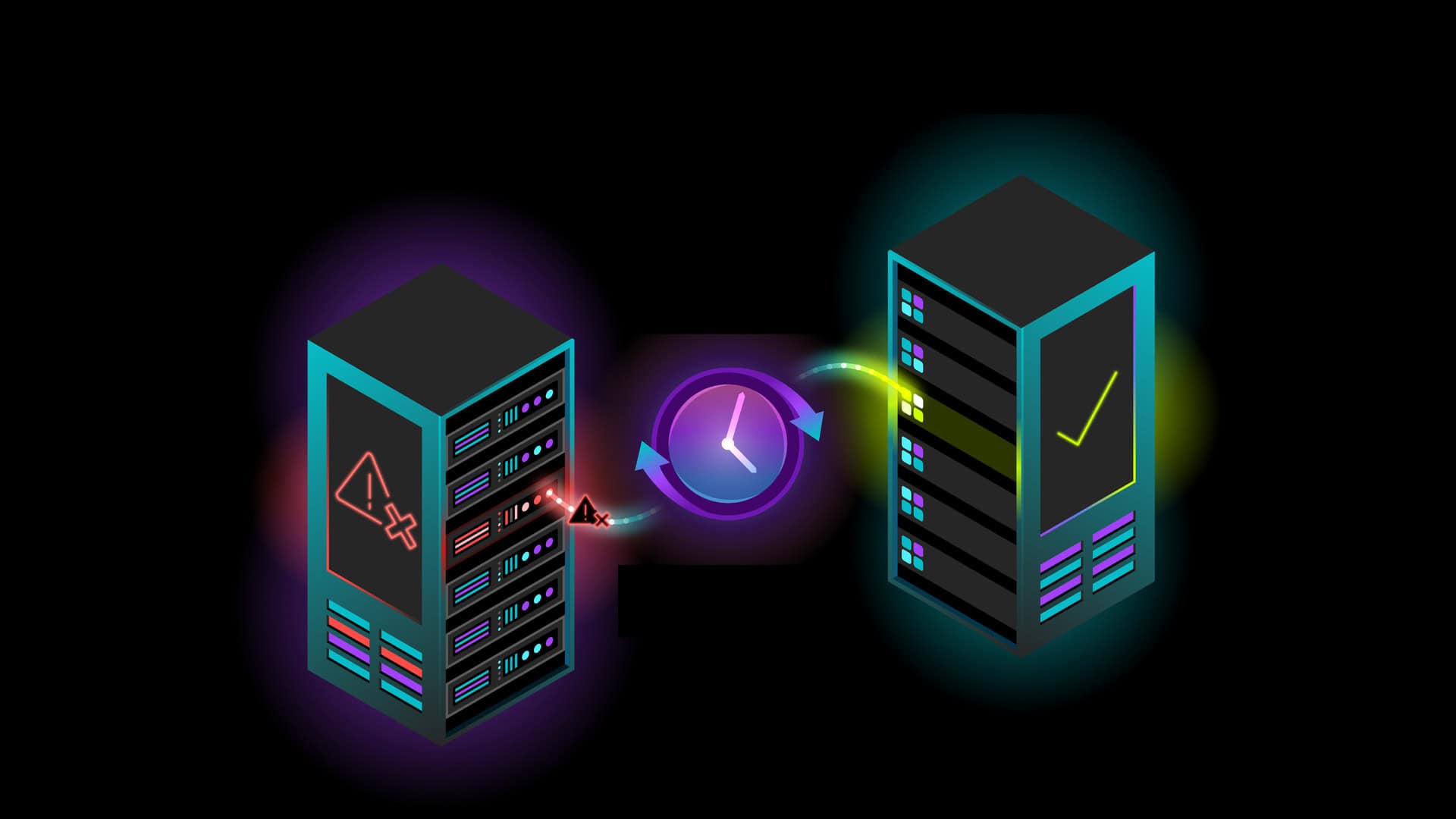
AI that never stalls.
GPUs that never sit idle.
Clockwork keeps AI workloads running through failures and shows you exactly where your cluster is slow, unhealthy or misconfigured. 100% software. Runs anywhere.








Customer and Industry Voices
The problem today: AI workloads fail constantly, and GPU-hours vaporize with every crash.
Thousands of GPUs run in lock-step, so a single bad link, GPU or switch can stall or crash the entire cluster, and recovery means restarting and recomputing everything since the last checkpoint. Compounding that, when a workload is impacted the fabric is the hardest layer to troubleshoot: gray failures pass health checks and dashboards stay green while GPU-hours are wasted.
1 Revisiting Reliability in Large-Scale Machine Learning Research Clusters (Meta FAIR) · arxiv.org/abs/2410.21680
AI Fault Tolerance keeps AI workloads running through failures
Link flaps, GPU errors and node failures no longer crash your workloads. Preemptions and node drains no longer mean starting over. Clockwork keeps jobs alive, or moves them to healthy resources automatically, so your cluster never stops doing useful work.
LinkPass: a link flaps. Your job doesn’t.
LinkPass intercepts link failures the moment they happen and rebalances traffic across the node’s other NICs, so distributed training and multi-node inference are not impacted. When the link recovers, traffic fails back automatically. Delivered as an NCCL plugin: zero model changes, installs in under 30 minutes.
TorchPass Migration: a GPU dies. Training keeps going.
When a GPU or node fails, TorchPass just keeps the job running. It captures the state of the affected worker, live-migrates it to a replacement over RDMA and resumes from the exact iteration with no lost compute.
TorchPass Snapshots: Industry’s first multi-node platform snapshots. Zero code changes.
Multi-node Platform Snapshots capture the state of a distributed training job in under 20 seconds with no model integration or code changes. The same framework also supports asynchronous Model Checkpoints through lightweight code integration, for teams that want even faster checkpointing.
Deploy it your way
2 SemiAnalysis ClusterMax TCO and Goodput calculator, default values · Open the calculator
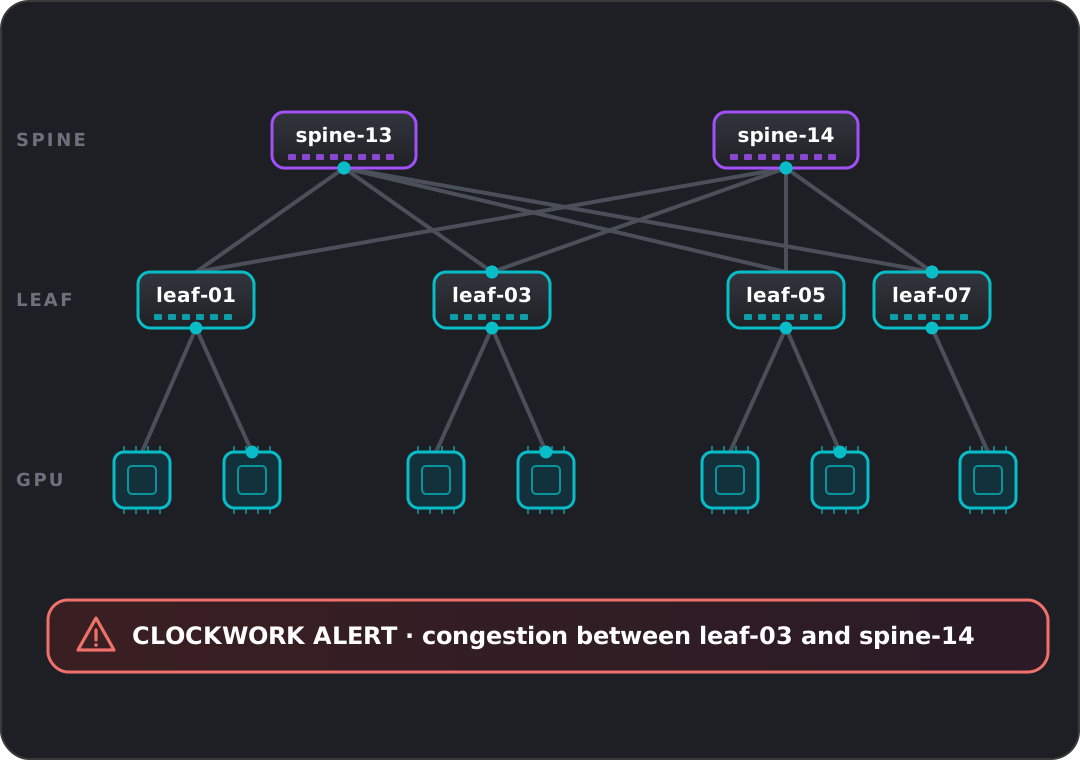
FleetLens: where exactly is my fabric problem?
FleetLens detects slow or failing jobs and definitively rules whether the fabric is to blame. When it is, FleetLens pinpoints the exact link, switch or NIC at fault. It surfaces the hidden, workload-impacting issues other tools miss: congestion and micro-congestion, topology-specific degradation, gray failures and unexplained slowdowns.
The foundational technologies that make this possible


100% software. Runs Anywhere.
See it in four minutes
Stop wasting GPU cycles. Start scaling smarter.
See Clockwork on your own cluster. We’ll inject a failure into a live training job, show you what happens next, and walk you through the observability data behind it.